The log keeps track of all dialogs you’ve had with others in the game, sorted by quest. To access your log, press the map key (tab by default). At the bottom of the screen your will be able to switch between the different screens. You can quickly access specific screens using the F-keys. F1: Local, F2: World, F3: Inventory and F4: Log.
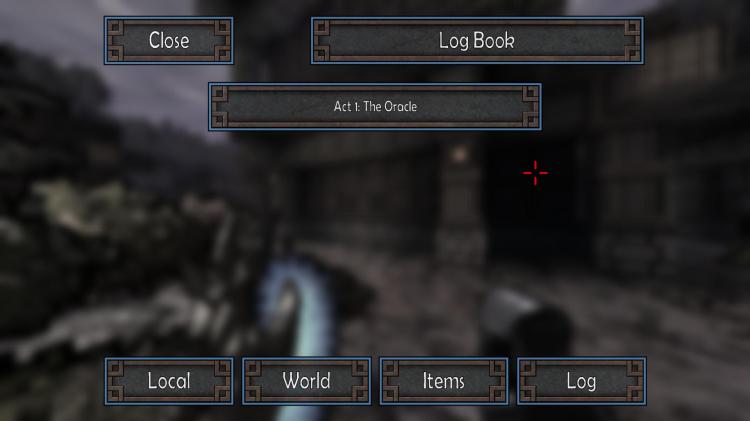
Quests: Click on the quest you’d like to view to bring up all dialogs for the quest. Use the forward / back keys (W and S by default) to scroll through the dialog. Pressing escape will take you back to the log screen.
 Atomic Hick Software